Festival · Creative Development · 2026
Gabonsa
A festival website as a space of possibility — loud typography, loose grids, warm noise.
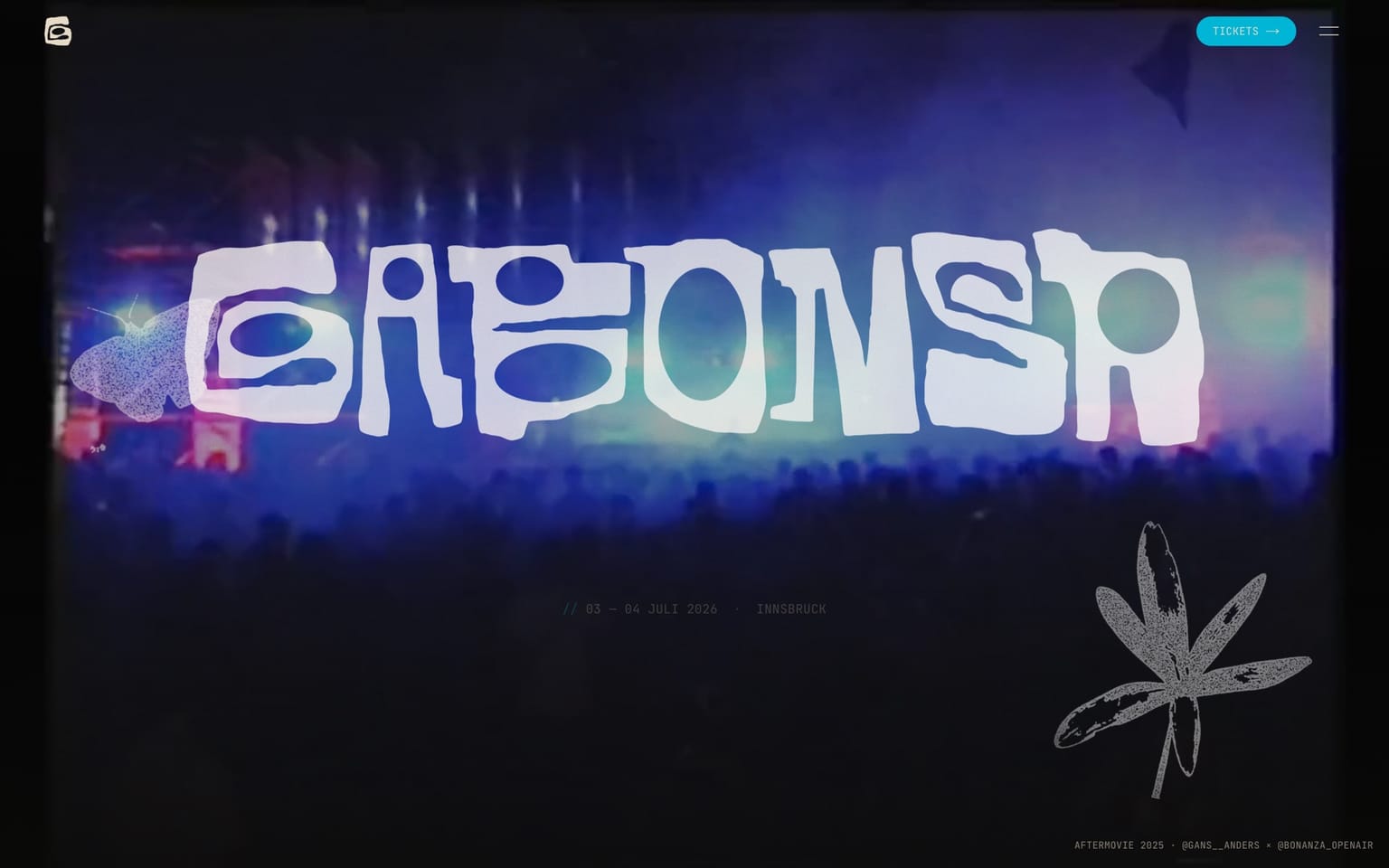 gabonsa.vercel.app
Embedded here is the real production site, live at gabonsa.vercel.app.
The vision
imagine it's the future and everything is good.
Gabonsa isn't a festival that merely needs a website — it's a space of possibility. Two independent Innsbruck collectives, Gans Anders and the Bonanza Kollektiv, merge into a single cultural platform. Two days, an international line-up, a reclaimed old driving range nestled between mountains and gravel lakes.
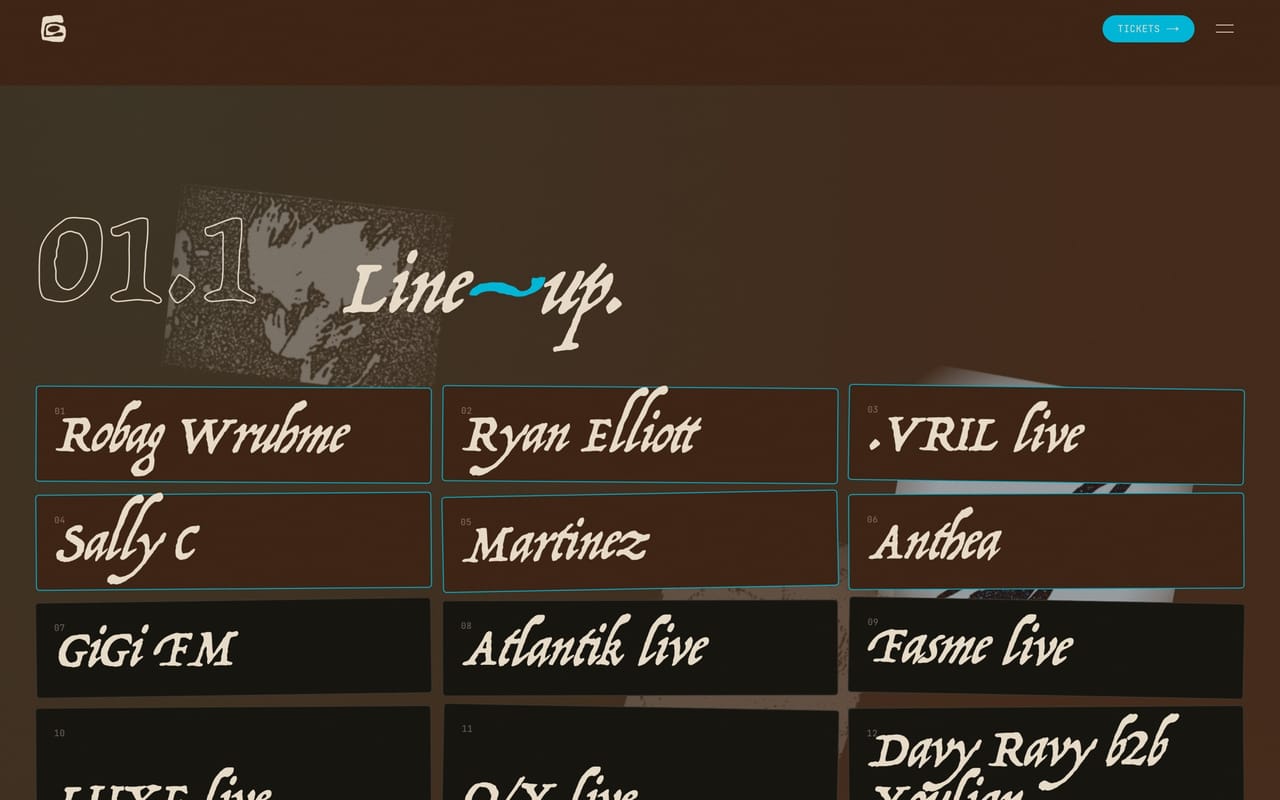
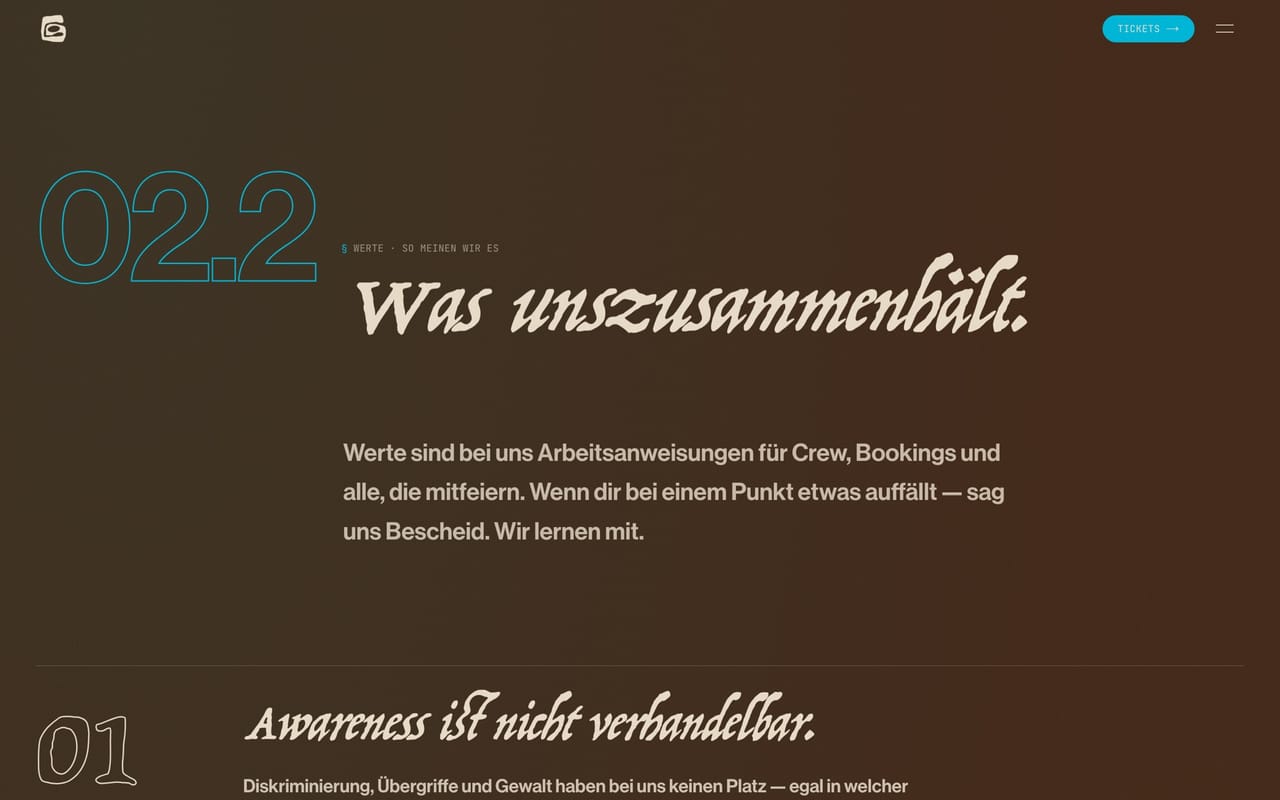
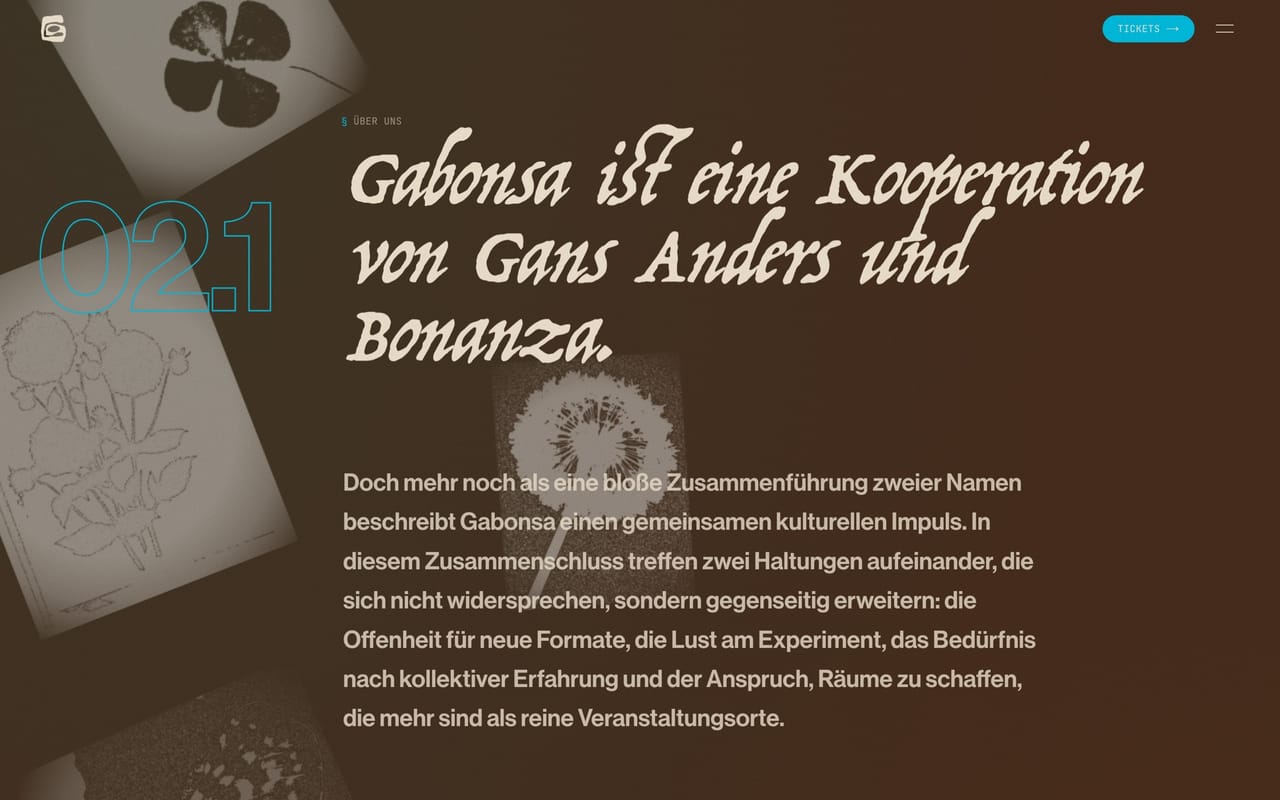
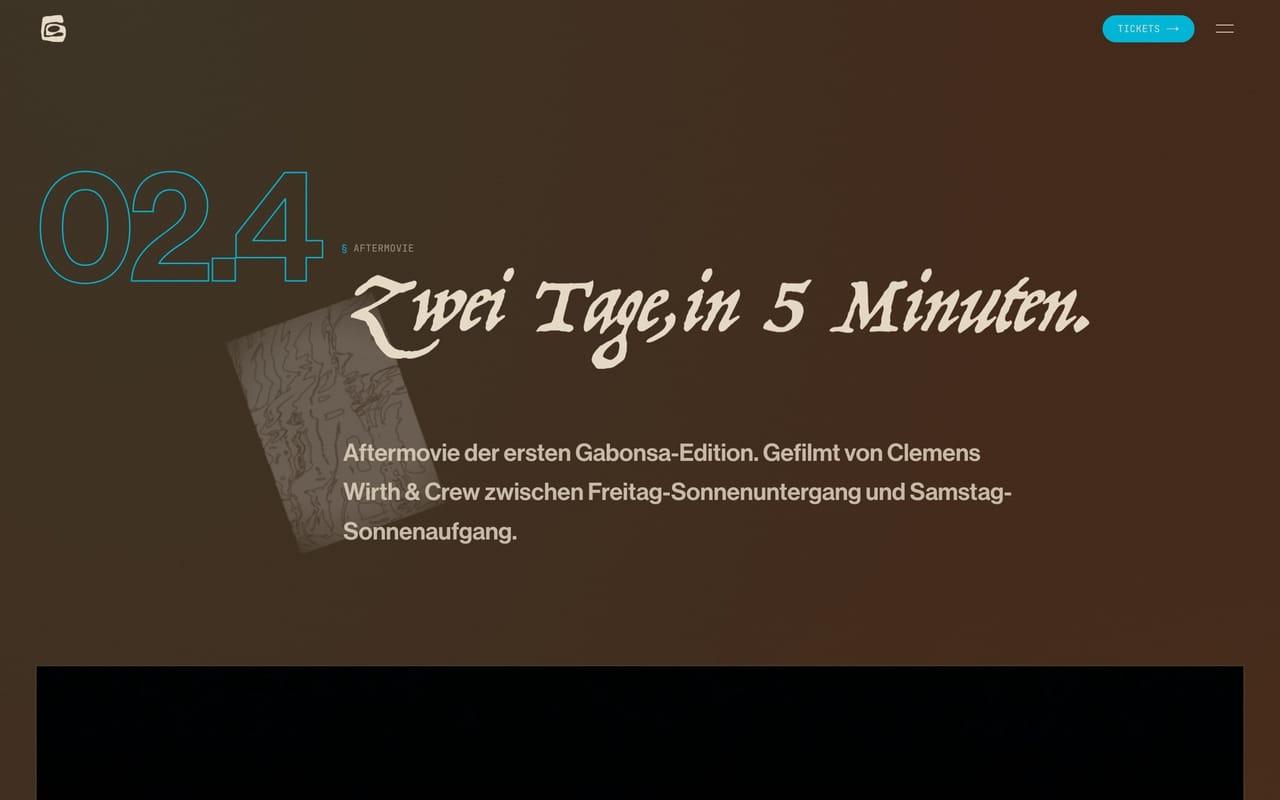
The site had to feel the same way: idealistic without cynicism, poetic, values-driven. No investor model, car-free travel by conviction, zero tolerance for discrimination — all wrapped in a design that flatly refuses the template. Loud, italic lettering, warm chocolate brown against acid lime, floating editorial collages instead of rigid grids.
My brief: translate that feeling into a fast, accessible, technically resilient experience — without ever letting the engineering get louder than the idea.
Editorial design system
Everything scales fluidly via clamp() — no breakpoint jumps, just type that breathes from mobile to big screen. Teal is visible in every section; lime and magenta are pure exclamation marks (one or two per page at most). Over it all sits procedural film grain as an animated SVG filter — warm noise that keeps the surfaces alive.
The headline carries a subtle chromatic aberration: two offset colour copies (cyan + magenta) in a screen blend, plus a fine flicker — a 90s glitch that makes the lettering vibrate. Hover it:
Motion as connective tissue: a seamless marquee that runs without any JavaScript — pure CSS keyframes with will-change: transform, pausing on hover.
The grain itself isn't an image but math — an animated SVG turbulence filter (the very same one sits over the demo stages above):
/* Film grain as an animated SVG filter — no asset, pure math */
.grain::after {
  mix-blend-mode: overlay;
  background-image: url("data:image/svg+xml;utf8,<svg ...>\
    <filter id='n'><feTurbulence type='fractalNoise' \
    baseFrequency='0.9' numOctaves='2' stitchTiles='stitch'/>\
    <feColorMatrix type='saturate' values='0'/></filter>\
    <rect width='100%' height='100%' filter='url(%23n)'/></svg>");
}
A navigation that's actually fun
Clearly structured through a numbering system (01, 01.1 …), yet anything but boring. One click opens the full menu of big categories; pick one with sub-items and the list slides aside while a numbered panel glides in from the right — flower scatter behind it. A navigation that's clear and fun. Try it (the sub-items open the real pages):
The flower scatter
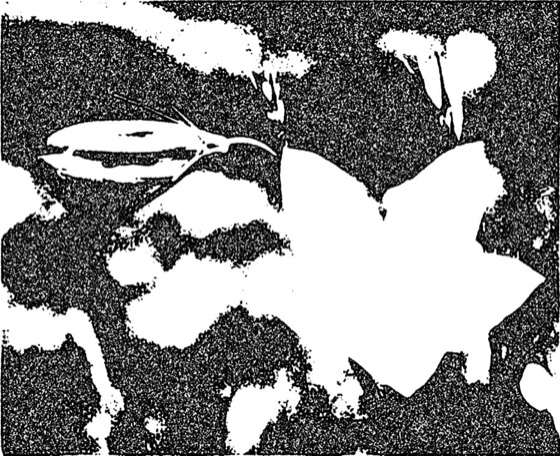
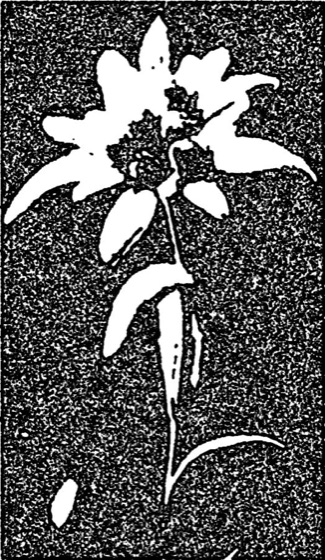
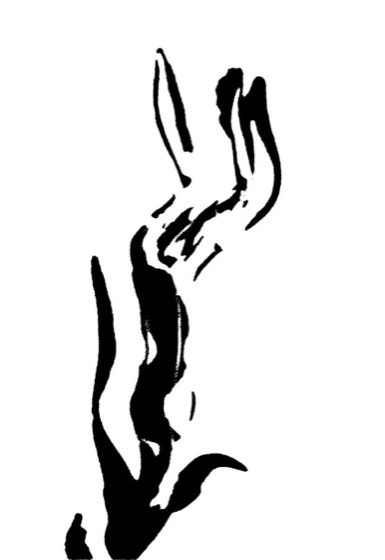
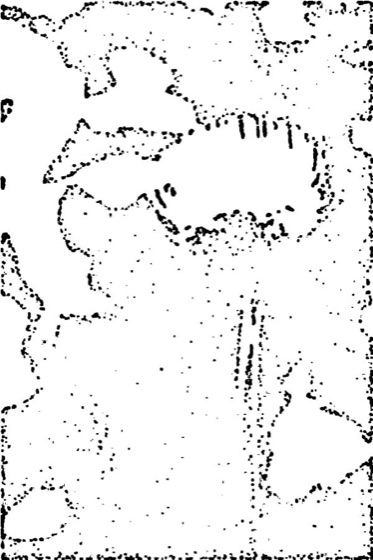
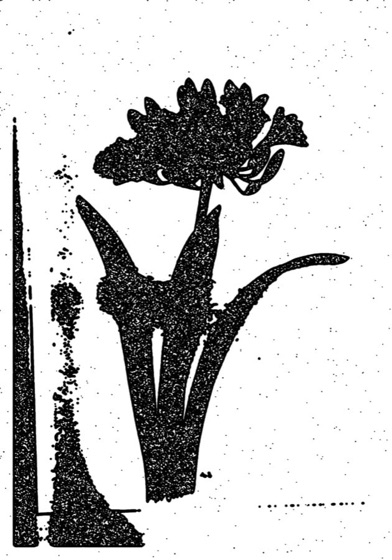
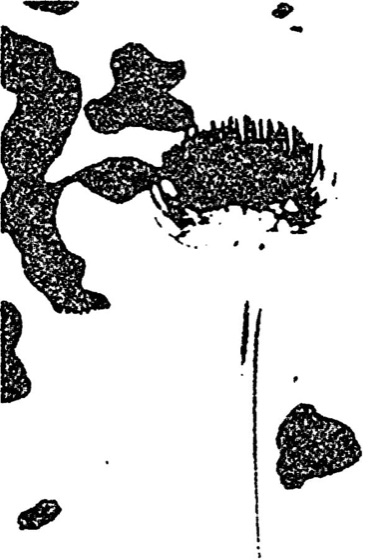
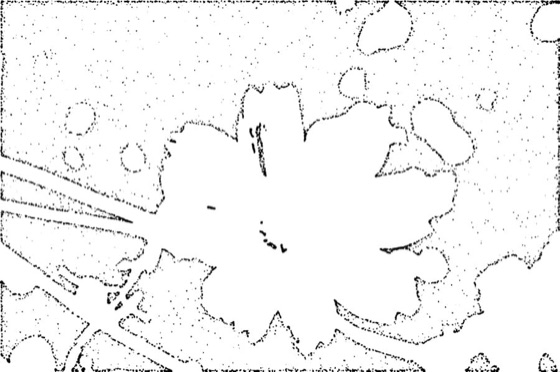
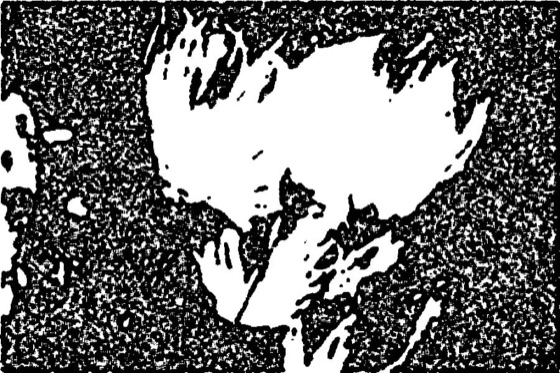
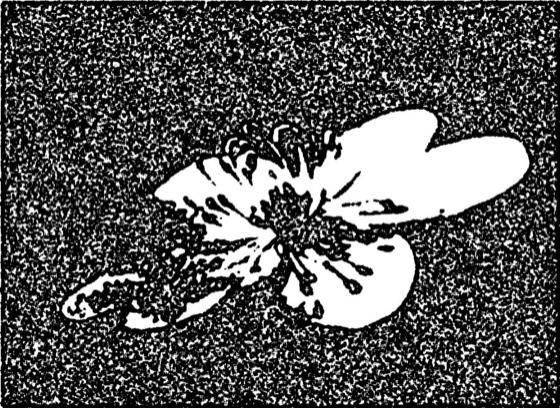
Monochrome flower halftones (© Anna Rogler) drift across the page — feathered, blended into one another, loosely strewn. They're placed deterministically from a seed: same word, same arrangement. This very scatter drifts — large and calm — behind this entire page. Click to reshuffle the seed:
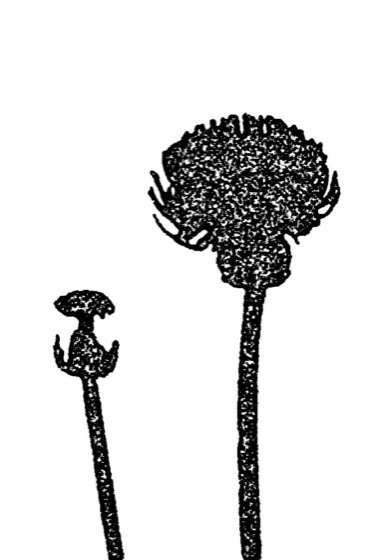
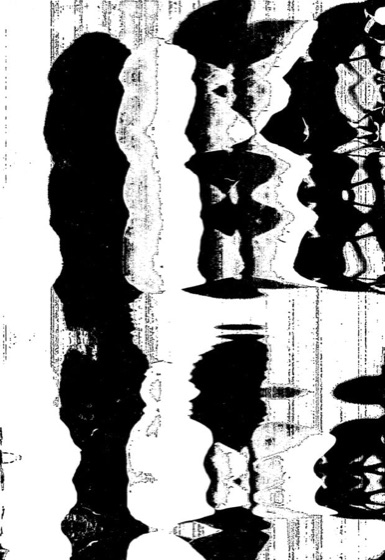
Photo shuffle as a physics-driven game
Photos drift across the page from a 39-image pool. The clever bit: a central registry with exclusive assignment — no two active slots ever show the same image. Each slot "borrows" a photo; when it advances, it returns the photo and draws a new one nobody else holds. The tick is monotonic, fed by scroll distance, pointer travel, clicks and device tilt.
Recreated here in miniature — three slots, one shared pool, never a duplicate. Tap a frame to advance its slot:
// Exclusive photo pool: nothing a slot currently holds appears twice
const available = new Set<number>(
  Array.from({ length: PHOTO_COUNT }, (_, i) => i + 1),
)

function drawFromPool(rng: () => number): number {
  const arr = Array.from(available)
  const idx = Math.floor(rng() * arr.length)
  const photo = arr[idx]
  available.delete(photo) // out of the pool until the slot returns it
  return photo
}
WebGL photo dissolve
Every photo slot renders its transition in WebGL: the new image dissolves in through an organic, luminance-weighted noise mask — a melt rather than a hard cut. A pre-baked 128×128 noise texture spares expensive per-pixel math in the shader; shaders compile asynchronously via KHR_parallel_shader_compile so the main thread never stalls.
The principle works without a GPU too — drag across the frame to scrub the reveal along the noise mask:
Fotografien © Anna Rogler
// Both images fully opaque — the reveal happens through the noise mask
float nMask = texture2D(uNoise, vUv).r;
float reveal = smoothstep(nMask - 0.28, nMask + 0.28, ep);
// Source-image brightness gently bends the mask
float lumBias = mix(0.0, lumA * 0.15, sin(ep * 3.14159));
float finalReveal = clamp(reveal + lumBias, 0.0, 1.0);
gl_FragColor = mix(colA, colB, finalReveal);
On iOS the number of concurrent WebGL contexts is hard-capped at eight — an LRU eviction disposes the oldest off-screen renderers before the system crashes, and a lost context falls back cleanly to an <img>.
Magnetic cursor & magnetic buttons
On desktop a custom cursor replaces the system pointer: a hard dot that follows instantly, and a soft ring that trails with spring physics (Framer Motion) and swells over interactive elements. Buttons "pull" toward the cursor — a tactile sense of attraction that only activates on (hover: hover) and (pointer: fine), leaving touch devices untouched.
Bring your cursor near the button — it drifts to meet you, the ring swells:
const x = useMotionValue(-200)
const sx = useSpring(x, { stiffness: 320, damping: 28, mass: 0.4 })
// small dot follows instantly (x), big ring trails on the spring (sx)
Scroll choreography without a plugin
Text reveals on scroll, word by word and character by character — with a hand-built splitter instead of the paid GSAP SplitText. Lenis delivers silky smooth scrolling and is bridged to GSAP via useLenis(ScrollTrigger.update) so every animation stays frame-locked. Every motion respects prefers-reduced-motion.
Word by word, with a staggered offset — hit replay to see it again:
imagine it is the future and everything is good
const tween = gsap.to(targets, {
  y: 0, opacity: 1, duration: 0.9,
  ease: 'expo.out', stagger: 0.04,
  scrollTrigger: { trigger: el, start: 'top 85%', once: true },
})
The result
A website that feels playful but is built for the hard cases: WebGL context loss, fullscreen quirks and motion sensors are all caught gracefully. German-first, fully accessible, schema.org Event markup for search — and an image language that stands on its own. Best explored live, right next door.
Colours
Design language
Brown
#3B2314
Teal
#00857C
Paper
#E8DCC8
Ink
#0A0A08
Acid
#B8E61D
Magenta
#E6007E
Glimpses
From the project
Stack
Built with
- Next.js 15
- React 19
- Tailwind CSS 4
- GSAP + ScrollTrigger
- Lenis
- Framer Motion
- WebGL
Got a project that should feel just as special?